




Winbeatz App
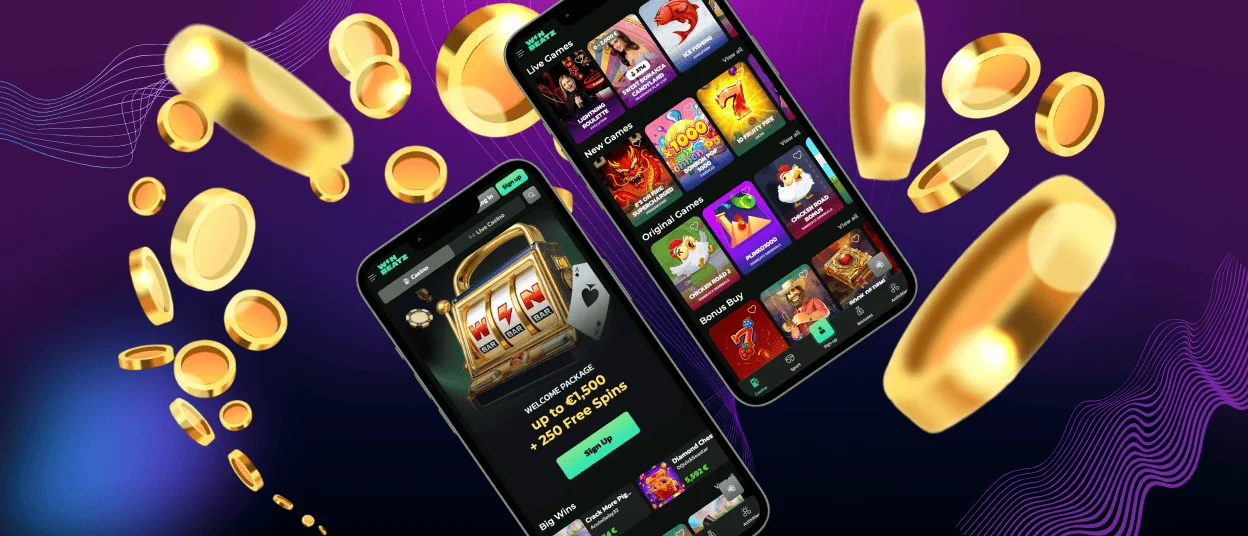
Winbeatz app lets you use our casino on Android, iOS, and desktop through a mobile‑friendly browser. Win Beatz keeps one account across devices, so you can switch screens without creating a new profile.
We built the mobile view for touch control. You can browse the lobby, open games, check promotions, and reach your account tools in the same layout. The screen stays clean, so you spend less time zooming and more time playing.


Key mobile features of the Winbeatz app
We keep the most used actions close to the top of the screen. We also make game cards easy to read, with clear titles and simple navigation. If you like to return to the same section, the mobile view helps you pick up where you stopped.
| Mobile feature | How it works on your device | Why it helps |
| Home‑screen shortcut | You add an icon from your browser menu and open the casino in one tap | You start faster and avoid searching for the website |
| Touch‑first layout | We space buttons and keep menus compact | You tap more accurately on a small screen |
| Search and favourites | You can search by title and save games with a favourites icon | You find the same games quicker on your next visit |
| Account tools on mobile | Profile, limits, and help options stay available in the menu | You manage settings without leaving the session |
| Secure session flow | We protect logins and sensitive actions with encrypted connections | We keep your data safe on Wi‑Fi and mobile networks |
Winbeatz app for Android
On Android, you can use Winbeatz in Chrome or another modern browser. Win Beatz keeps the same account and balance when you move between phone and desktop.
For faster access, add a home‑screen icon from your browser. This setup gives you an app‑style shortcut without a store download. The icon loads the current version of Winbeatz each time you open it, so you do not need to manage manual updates.
How to add Winbeatz on Android
- Open Winbeatz in Chrome.
- Tap the three‑dot menu in the top corner.
- Choose Install app or Add to Home screen.
- Confirm the name and create the icon.
- Tap the new icon and log in.
Winbeatz application for iOS
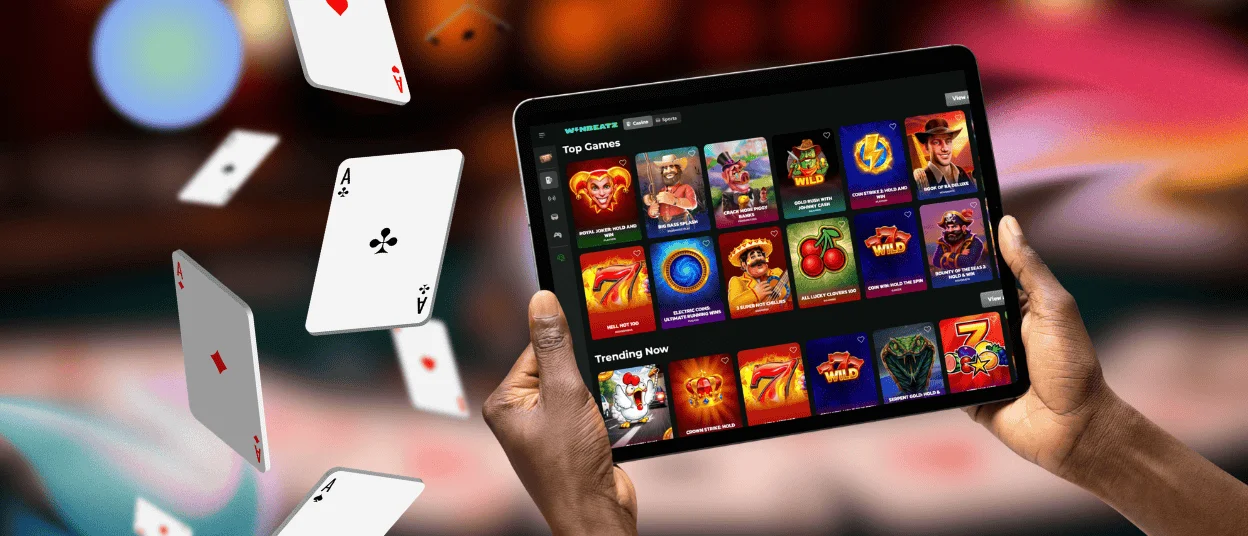
Use Winbeatz on iPhone and iPad through Safari. You do not need to download anything from the App Store. The mobile layout keeps buttons readable and helps you browse games without constant zooming.
If you save your login in Safari, your device can fill it with Face ID or Touch ID, depending on your settings. This can make sign‑in quicker while keeping access private.
How to add Win Beatz on iOS
- Open the Winbeatz website in Safari.
- Tap the Share icon.
- Select Add to Home Screen.
- Tap Add to save the icon.
Winbeatz on Windows and macOS
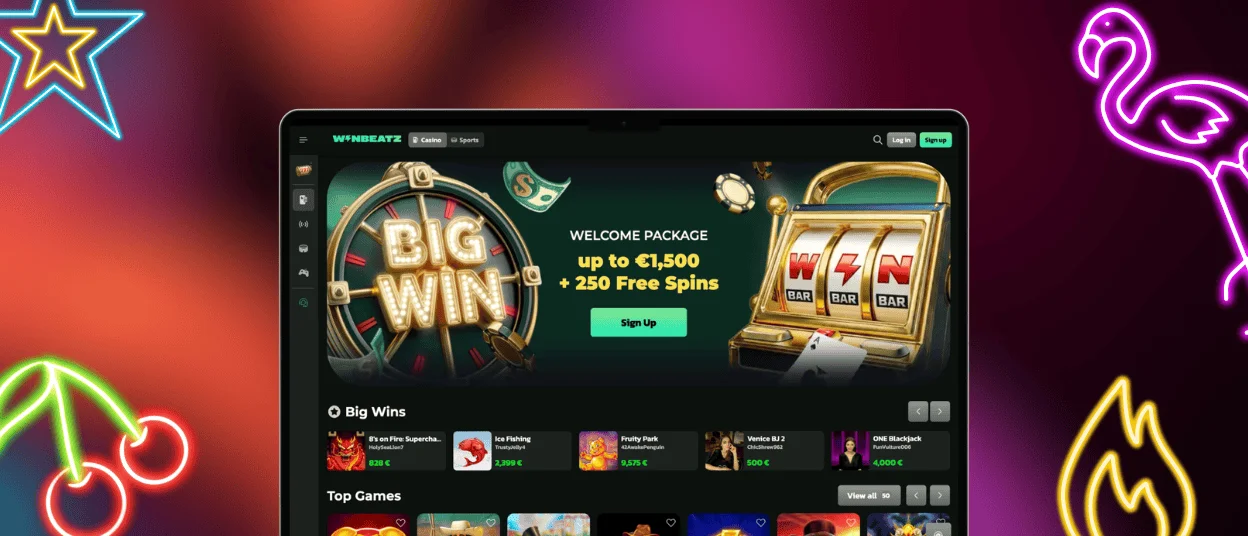
A larger screen helps when you want to browse more categories at once or read game rules in detail. Winbeatz works on Windows and macOS in modern browsers like Chrome, Edge, Firefox, or Safari. Win Beatz keeps the same navigation style, so you do not need to learn a new layout. You use the same account as on mobile, so your balance and preferences stay linked.
You can also create a desktop shortcut from your browser. It opens the site in its own window and acts like a fixed entry point. This option works well if you play from a laptop and prefer one‑click access.
Devices and setup at a glance
| Device | Best way to open | Updates | Notes for daily use |
| Android phone/tablet | Browser + Home‑screen icon | Automatic through the website | Keep Chrome updated for stable menus and payments |
| iPhone/iPad (iOS) | Safari + Home‑screen icon | Automatic through the website | Safari shows the Home Screen option most clearly |
| Windows / macOS | Desktop browser or shortcut window | Automatic through the website | A bigger screen helps for long browsing and live streams |
Safe use tips for mobile sessions
Winbeatz keeps the mobile experience simple, but device habits still matter. These steps help you protect your account when you play on the go:
- Open the casino only from the official Winbeatz website.
- Use a screen lock on your phone and avoid shared devices.
- Log out after the session if someone else can access the device.
- Keep your browser updated to receive security fixes.
- Use a stable connection for live tables and avoid heavy background apps.
Frequently asked questions (FAQ)
Do I need a new account for the Winbeatz application?
No. Winbeatz uses one account for desktop and mobile. Log in with the same details and you will see the same balance, bonuses, and history.
Is Winbeatz available as a download in Google Play or the App Store?
Winbeatz runs in the browser. You can add a home‑screen icon that opens in an app‑style view. Near the end of setup you may also see the term PWA (Progressive Web App). It means your device creates a shortcut from the web version, not a store download. You also do not need an APK file, because the shortcut gives the same direct access.
How much storage does the Win Beatz app use?
The shortcut itself uses almost no storage, because it points to the website. Your browser can save temporary files, such as images and game data. If you need to free space, clear the browser cache. You will stay able to log in again at any time.
Can I use fingerprint, Face ID, or Touch ID to log in?
Your browser controls this feature. If you save your password in Chrome or Safari, the browser can request fingerprint, Face ID, or Touch ID when it fills your login. You can turn this on or off in your device and browser settings.
A game loads slowly or freezes on my phone. What should I do?
Close the game window and refresh the page. If the issue continues, restart the browser and close other apps to free memory. A strong Wi‑Fi or mobile connection also helps, especially for live streams. If you still see the same problem, contact support and share the game title and the time of the issue.


